One experience
Games, music, video and books all share the same RIO interface and controls.
 RIO
RIO
RIO is a system written from scratch for GKD handhelds. Games, music, video, books and files all live in one pixel interface with one set of controls.
Library · Mini Plus Classic
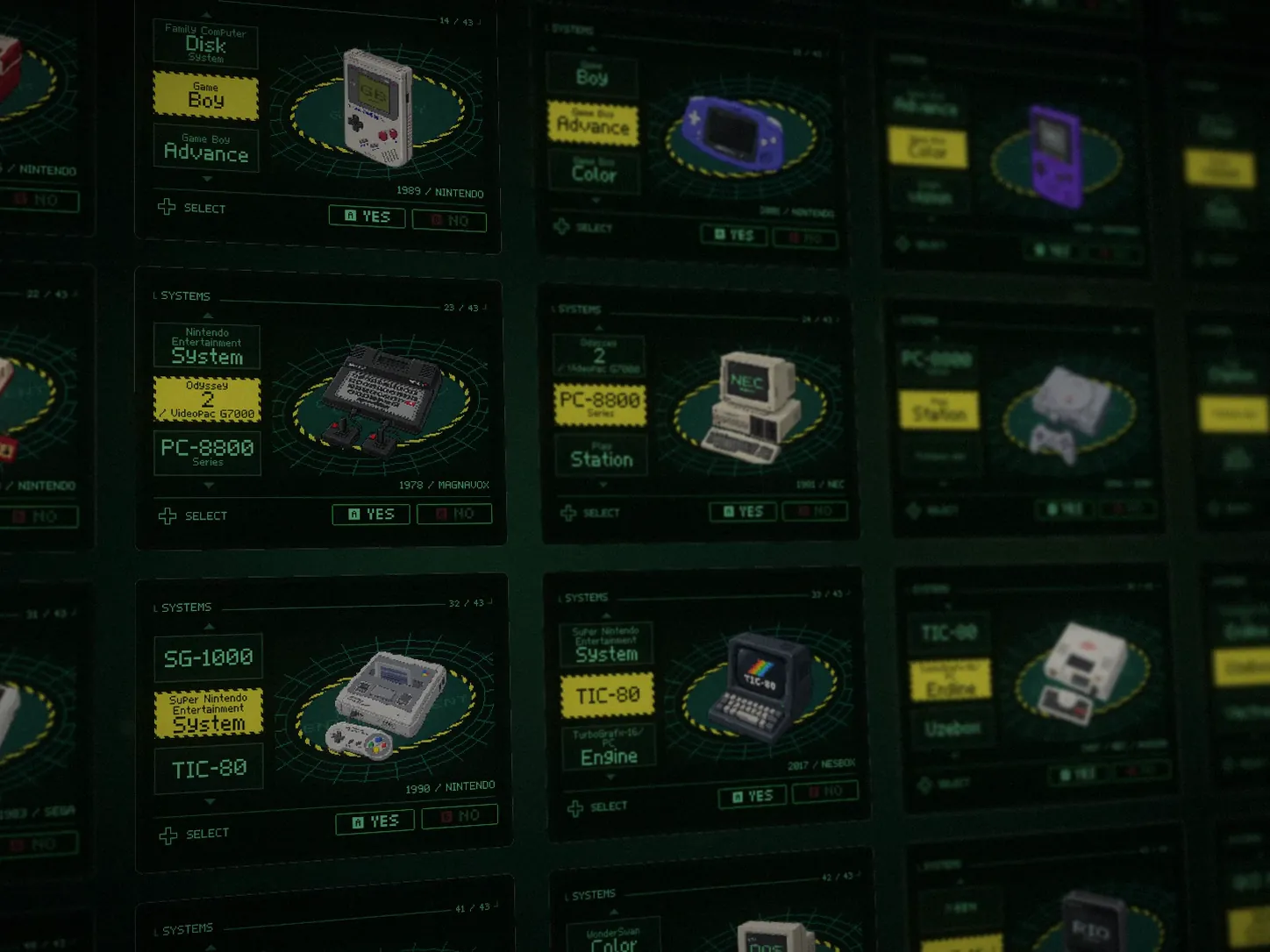
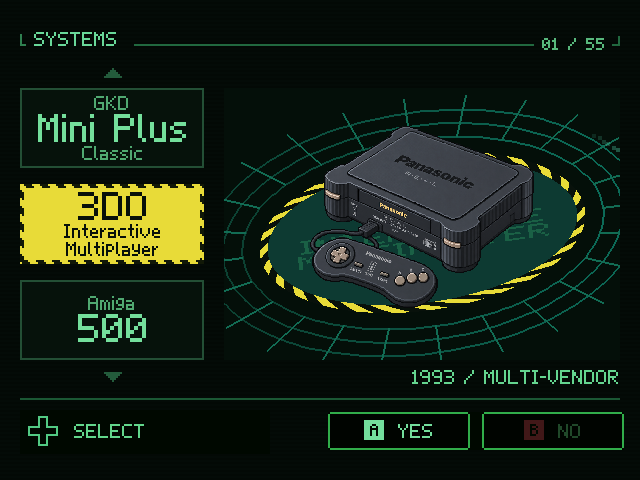
Your library, sorted by console. Every platform has its own console illustration and animation, and every game its cover and description.
Each console has its own animation. Shown: platforms being added to Mini Plus Classic, design preview.
In-Game
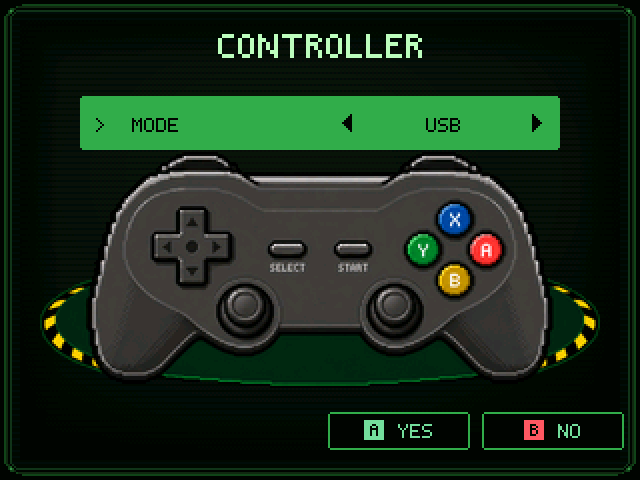
Press MENU for RIO's game menu: pause, resume, reset, quit, and swap discs on games that support it. Different emulator cores, one set of controls.
Built-in Apps
Eight built-in apps, on the same buttons as your games.







Connect
RomM keeps your collection. The handheld browses and plays it, and USB or SSH covers the rest.
System
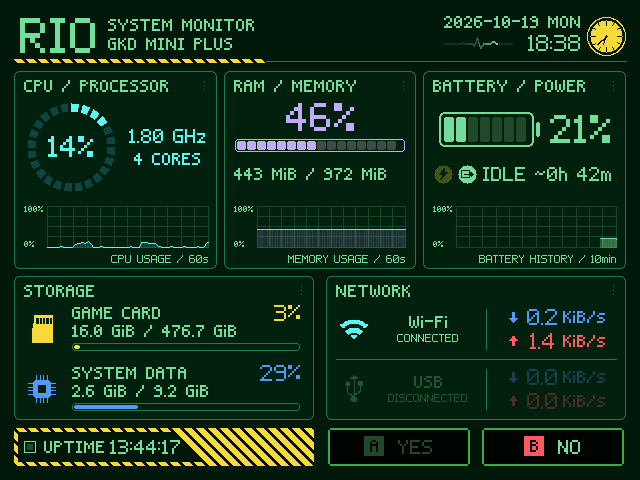
CPU, memory, storage, battery and network with live graphs, showing whatever the hardware can report.
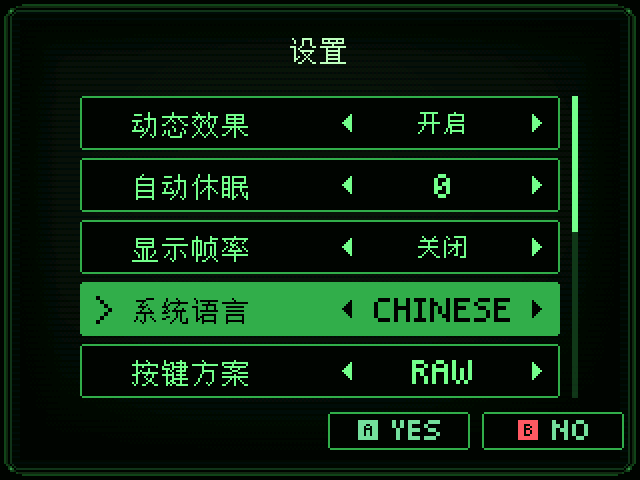
Switch the interface language in settings.
Auto sleep, wake, reboot, shut down, and battery warnings before it runs out.
Brightness, volume, date and time, sound effects and animations.
Boot & Recovery
Why RIO
RIO is also a media, file and system environment for your handheld.
Games, music, video and books all share the same RIO interface and controls.
Pixel fonts, green and yellow, console animations, animated covers and a record player.
RomM keeps the collection; the handheld browses and plays it.
320 and 640 each get their own layout details, fonts and icons, never a simple scale-up.
Restorable save copies, transfer checks, card-use protection and clear failure messages.
RIO Pixel World
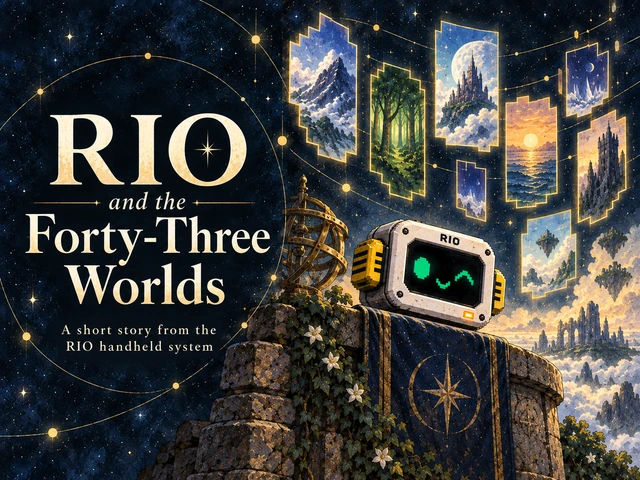
RIO ships with its own original content: a theme song, a short film, a short story and a poster. Listen, watch and read from the first boot.
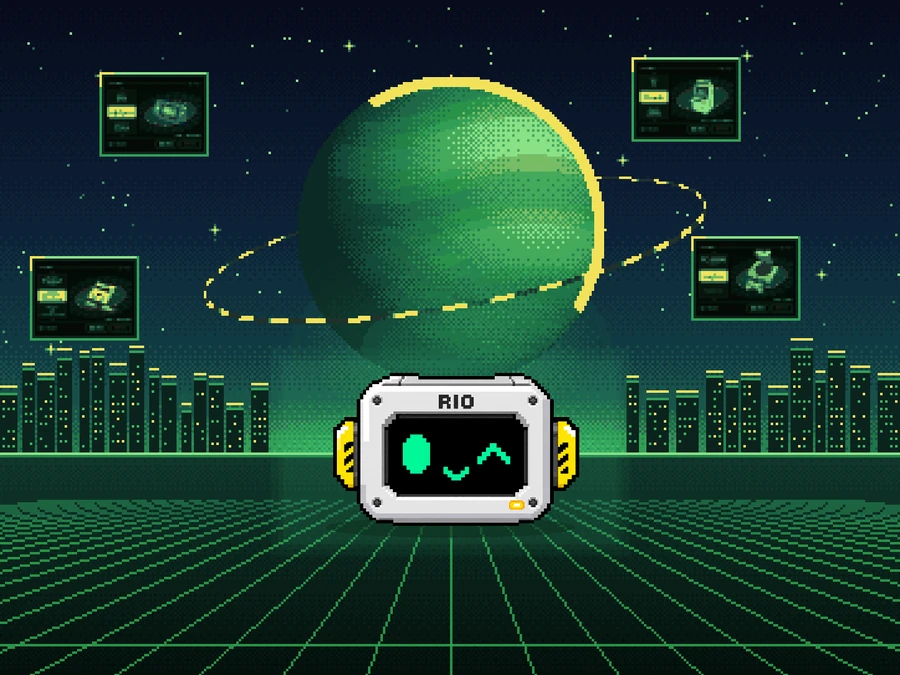
Mini Plus Classic
These aren't extra software made only for Plus. They come from hardware the Mini doesn't have, and wherever the hardware allows, both handhelds aim to behave the same.
A sharper display with more detail on screen.
GPU-accelerated drawing, and hardware rendering on cores that support it.
Hardware decoding for some video formats.
Wireless connection and wireless sync.
Headphones, controllers and file transfer over Bluetooth.
Two analog sticks and support for more input devices.
Headroom for heavier platforms such as N64, NDS, PSP and Dreamcast. Compatibility and smoothness are still being checked platform by platform.
Accessory · RIO System Monitor
CPU, GPU, memory, network and temperature, drawn live on a 480 × 480 USB round screen. When music plays, it turns into a spinning record with lyrics.
CPU temperature with history, CPU and GPU usage, memory and upload/download speed. Demo data shown.
CPU usage and temperature, the GPU that's actually working, memory and network speed. Only the active GPU is shown, with no rotating through idle ones.
When your computer starts playing music, the screen switches to a record, synced lyrics and a live spectrum. After 30 seconds paused, it goes back to the monitor.
Shows local weather based on your network location, or pick a city yourself.
Write an image, GIF or video to the screen, up to 3.4 MB. When the monitor app isn't running, the screen plays it on power-up.
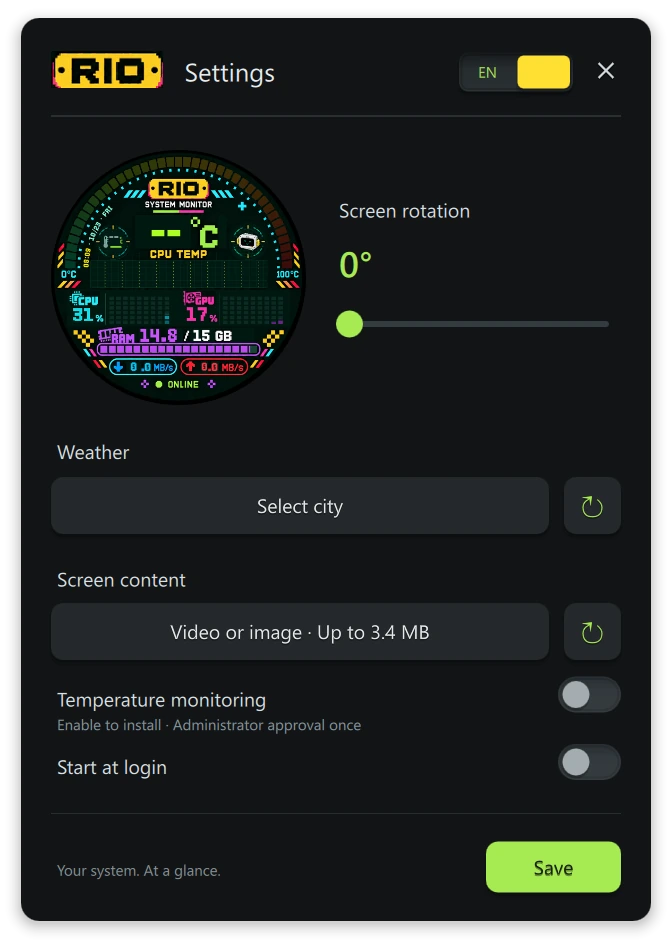
Changes apply instantly and save automatically. The app lives in the tray and connects to the screen on startup.